← Tools for Editors
Cine HUD
The viewfinder look, built right into your timeline. Type your readouts, click Apply, done.
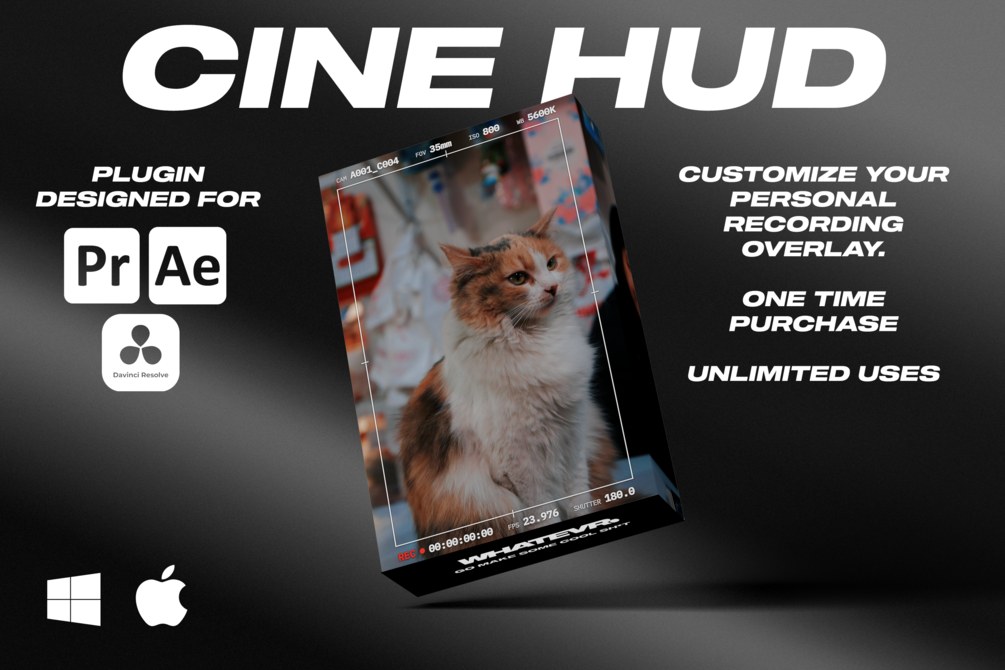
Frame lines, a blinking REC dot and ISO and shutter readouts on the edge of the shot. Most HUD packs give you a folder of PNGs that all say ISO 800. Cine HUD lets you type your own values and drops the HUD straight onto your timeline at your sequence's exact size.
It's the HUD I use on my own work at WHATEVR for run clubs, fitness brands, nightlife and artists, whenever a post needs to feel shot, not edited.
What you get
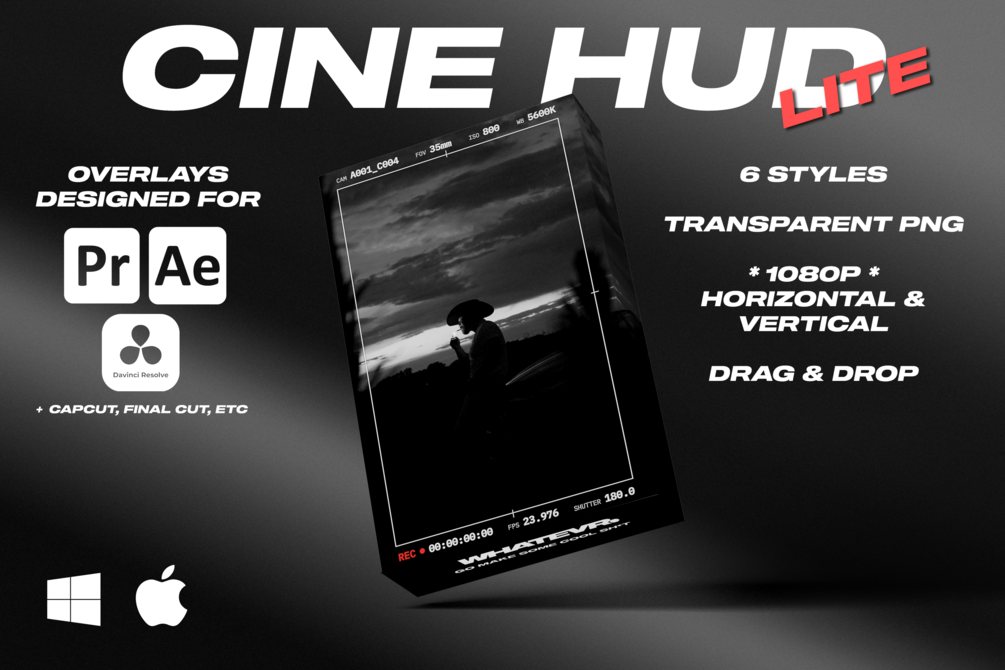
- Six styles: Crosshair, Window, Matte, Corners, Monitor and Minimal
- Your own readouts: FOV, ISO, WB, FPS, shutter and camera, renamed or hidden
- A REC light that actually blinks and a frame-accurate timecode that runs
- Your colors, text size, frame size, crop guides (2.39, 1.85, 4:5, 1:1, 9:16) and saved presets
- One click flips your sequence between 16:9 and 9:16
- Premiere Pro, After Effects and DaVinci Resolve in one download
Works with
- Premiere Pro
- After Effects
- DaVinci Resolve
More tools